
A Morning Alert That Looks Real — ai phishing detection in Action
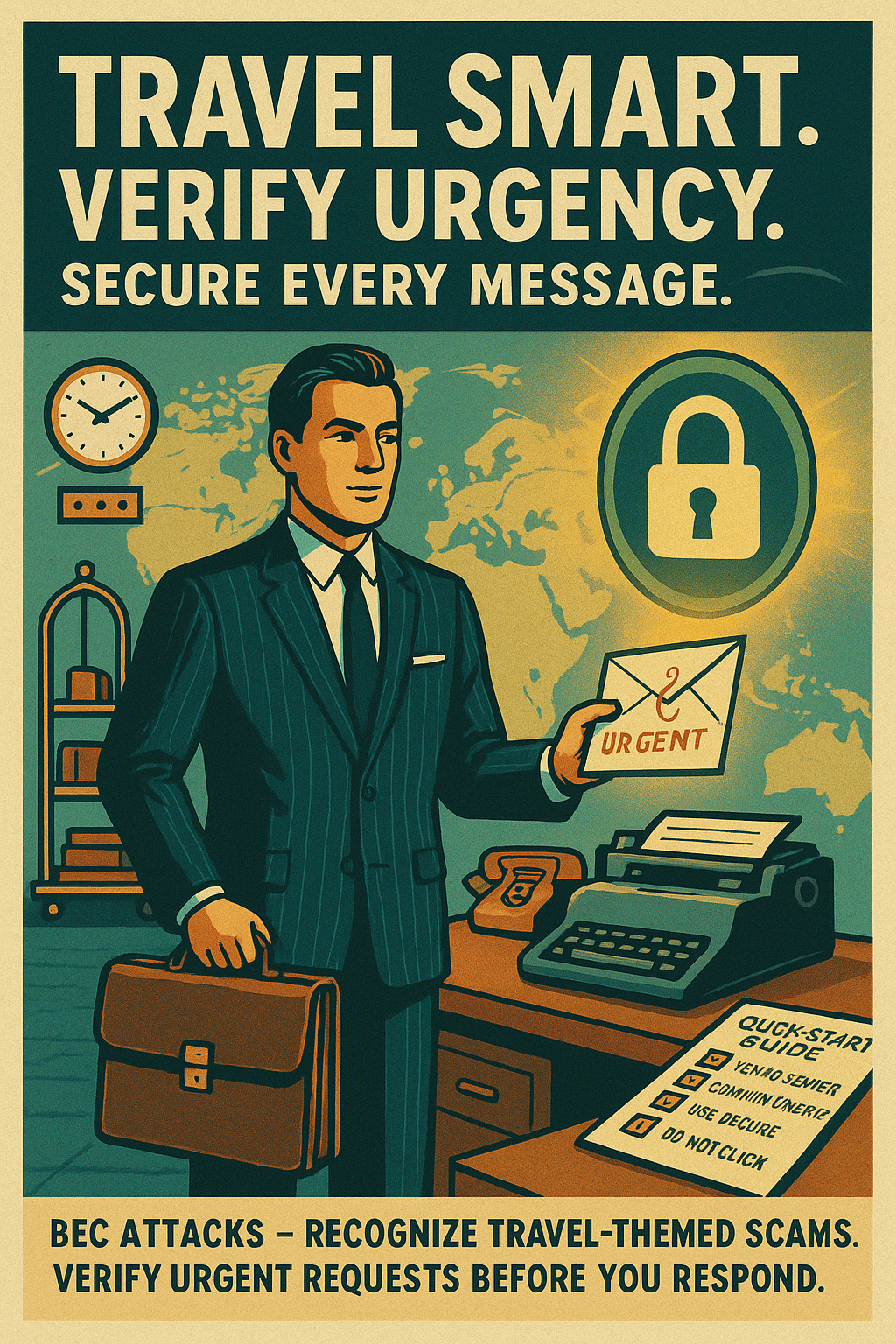
You hit play on a 9:03 AM voice note and hear your manager saying, "Approve the vendor payment — it's urgent." The cadence, the casual line about Thursday's Q3 forecast, and the exact invoice number from last week's thread make it feel legitimate. Still, the clip came as an unexpected email attachment and a short, clipped audio file; the last phrase—"Do it now"—lands with an eerie certainty.
What you’re experiencing is not a bad recording or a prank — it’s an *AI-generated cue*. Modern tools mimic tone, cadence, and even internal knowledge pulled from public messages or leaked data. That means a routine payment request can arrive sounding like the real thing, leveraging *familiar phrasing* and department specifics to lower your guard.
Today’s attackers don’t just rely on shady links. They clone voices and craft messages that bypass traditional skepticism by sounding authoritative and context-aware. That’s why ai phishing detection matters: detecting these synthetic threats requires more than spotting typos or bad URLs.
It arrived at 9:03 AM: "Approve the $8,450 wire now" — down to the invoice code you referenced in the Budget meeting.
There is a simple, actionable method you can apply immediately to verify authenticity. By the end of this piece, you’ll have a 5-step framework you can apply today to spot the deepfake before it talks back. See why this matters now — the CONTEXT section will expand on why traditional training falls short.
Why ai phishing detection is critical now
AI has reached a point where attackers can produce near-perfect impersonations: voice cloning, synthetic text, and deepfake video now recreate tone, cadence, and context with frightening accuracy. These tools can stitch together public posts, leaked documents, and snippets from internal communications to produce messages that sound and read like someone you trust.
That capability creates cross-channel coherence — an email, a short voice note, and a calendar invite can all reinforce the same fraudulent request. Traditional checks (misspellings, suspicious domains, odd grammar) were effective when scams were sloppy; today an attacker can mirror your manager’s phrases and timing so that content feels authentic.
Conventional training falls short because humans rely on social cues. People instinctively trust familiar names and voices, especially under urgency or perceived authority. ***This is the critical risk:*** auditory and contextual cues override suspicious URLs for many recipients, making financial and reputational harm more likely.
People trust voices more than URLs — that is the gap attackers exploit.
As an employee responsible for protecting budgets and your organization’s reputation, a single mistaken approval can cost thousands and damage trust with vendors and leadership. The example in the hook — a manager’s voice requesting an urgent wire — is exactly the scenario modern attackers exploit.
To address this, I’ll present a practical framework in the SOLUTION/METHOD section that focuses on four defenses: recognizing synthetic language patterns, cross-checking voice and video sources, simple hover-and-inspect link drills, and a clear reporting workflow everyone can follow.
Read on for short, actionable steps you can apply immediately to stop an AI-generated threat before it succeeds.
The 4-Step Defense for ai phishing detection
Apply this four-step framework to stop AI-generated messages before they trigger a costly action. Use quick checks you can repeat in seconds — together they form a reliable defense, not a single magic trick.
1) Recognize synthetic language patterns
AI often leaves telltale traces in text. Watch for *odd phrasing*, timing inconsistencies, and sudden urgency that doesn’t match prior context.
- Concrete actions: Re-read the message for repeated phrases, compare wording to past emails from the same sender, and check whether the tone matches that person’s normal style.
- Red flags: Repeated short sentences, stilted connectors like “as per discussed,” improbable specifics (an invoice number with no prior thread), or requests sent outside normal working hours but referring to daytime events.
- Quick script: “Hey [Name], this payment request looks odd — did you send the invoice for #123? I’ll confirm before releasing funds.” Use Teams or the directory phone number to verify; don’t reply to the suspicious email.
2) Verify sender authenticity through independent channels
Don’t trust the channel the message arrived on. Use a separate, pre-approved method to confirm identity — a live call or an authenticated chat — so you avoid replying into a compromised thread.
- Concrete actions: Call the person using the number in the corporate directory or start a Teams call from your contact list (not by replying to the suspicious message).
- Red flags: Display-name vs. email mismatch, recent unexplained domain changes, or a reply-to address that differs from the sender address.
- Quick script: “I got a payment request from you — can you confirm on a quick call? I’ll hold approval until you confirm.” If you receive a voice note, ask a live question only the real person could answer (e.g., “What was the vendor’s last invoice amount?”).
3) Hover-and-inspect links and attachments before acting
Spend a few seconds on the hover-and-inspect drill every time you’re asked to click or open a file. This simple habit stops many attacks.
When hovering, check:
- Full URL preview (status bar or browser tooltip). Look for mismatched domains or extra words before the legitimate domain (e.g., invoice-payments.example.com).
- Punycode characters, IP addresses instead of names, and shorteners that mask destination links.
For attachments, watch for:
- Double extensions (e.g., invoice.pdf.exe), uncommon file types, or unexpected compressed files.
- Scan attachments in your antivirus or an internal sandbox if available. When unsure, request the file via the vendor portal instead.
Quick prompt: “Can you re-share that invoice in the vendor portal or via our finance system? I can’t open attachments from unknown senders.”
4) Use a clear reporting workflow to escalate suspected deepfakes
If something feels suspicious, report it immediately. Rapid reporting lets security isolate the threat and protects colleagues from follow-up attempts.
- Concrete actions: Forward the original message to security@yourcompany.com (or use your incident portal). Include screenshots, message headers, and a short note about why you flagged it.
- Red flags to escalate: Cross-channel contradictions, repeated follow-ups after denial, or a request to bypass normal approval steps.
- Quick report script: Subject: Suspected AI-generated message — [Sender], [Date]. Body: “I received an urgent payment request that I could not verify via Teams. Attached are screenshots and headers. Please advise.”
These steps work as a system: recognize, verify, inspect, then report — each step reduces risk and strengthens the next.
Note: This section naturally accommodates subheadings or quick reference cards and maps directly to the four defenses introduced earlier: recognizing synthetic language patterns, cross-checking voice/video sources, the hover-and-inspect drill, and a clear reporting workflow.
***If a message demands immediate payment without verification, treat it as suspicious and escalate.***
Real-World Evidence and Case Studies for ai phishing detection
As attackers adopt generative tools, practical evidence shows that simple, repeatable checks stop real attacks. This section shares anonymized corporate case studies and supporting data so employees can see how ai phishing detection steps work in the wild.
Industry reports documented a +1,300% surge in deepfake fraud attempts while experiments showed AI-generated phishing achieved 54% click rates — comparable to human-crafted spear phishing.
Case Study A — Finance Team Thwarts Synthetic Voice Request
A finance analyst received a voice note that sounded like their CFO asking to approve an urgent vendor wire for $82,400.
- Recognize: Analyst noticed odd phrasing and an unexpected request outside normal approval windows.
- Verify: Instead of replying, they called the CFO’s office number from the corporate directory (an independent channel).
- Inspect: The emailed attachment failed a hover-and-inspect check and showed a mismatched reply-to address.
- Report: Forwarded headers and the audio clip to security for analysis.
Outcomes: Avoided $82,400 loss, isolated the sender domain, and added automated blocks. Faster verification reduced decision time from hours to minutes and improved team confidence.
Case Study B — Procurement Blocks Deepfake Email Scam
Procurement received a polished invoice email with vendor branding and an attached PDF requesting an ACH change.
- Recognize: Wording included repeated short phrases not typical for the vendor.
- Verify: Procurement called the vendor using the phone number on the vendor portal.
- Inspect: Hovering revealed a lookalike domain using punycode to mimic the vendor.
- Report: Submitted the original message to security and notified the vendor.
Outcomes: No funds transferred, vendor contract preserved, and the lookalike domain taken down within 48 hours. Quick reporting improved the organization's mean time to detect.
Supporting Industry Findings
| Feature | Finding |
|---|---|
| Rise in deepfakes | +1,300% increase in reported deepfake fraud attempts (industry reports) |
| Effectiveness of AI phishing | ~54% click-through observed for AI-crafted phishing in controlled tests |
Addressing Common Objections and Reducing Noise
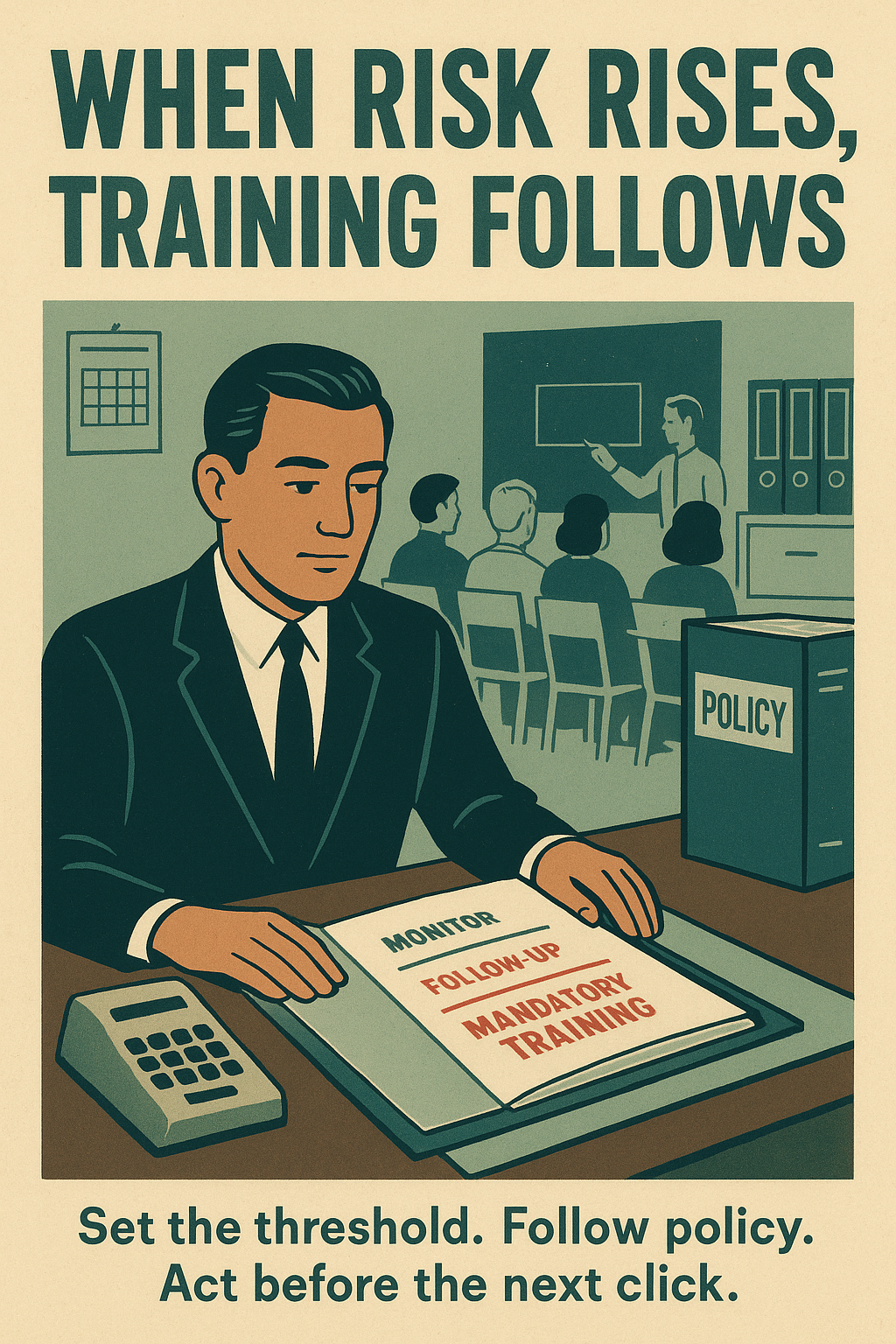
“It’s noisy to verify every message.” Use a simple risk threshold: verify when money, credentials, or process changes are requested. A short verification script saves time and avoids unnecessary checks.
- Practical tip: Keep an approved communications list for routine vendor contacts to reduce false positives.
- Practical tip: Ask one verifiable question on a live channel (e.g., “What was the last invoice amount?”) to confirm identity quickly.
- Practical tip: Use message headers, reply-to checks, and hover-and-inspect to narrow suspicious items before escalating.
These anonymized examples map directly to the four-step defense — recognize, verify, inspect, report — and demonstrate that employee actions reduce risk, accelerate verification, and prevent financial loss from deepfake email scam and synthetic voice phishing attempts.
Immediate Action Plan for ai phishing detection
Follow this practical 9-step checklist to stop AI-generated messages today. Each step includes **copy‑paste scripts**, a *hover-and-inspect* drill, and a reporting template you can use immediately.
- Step 1 — Daily micro-habit (60 seconds): Each morning, scan the top three unread messages for **unexpected urgency**, payment requests, or voice attachments. If any match, pause and run Step 2.
- Step 2 — One-page checklist (copy & paste):
- Sender match? (display name vs email) Y/N
- Tone consistent with prior messages? Y/N
- Is money/credential change requested? Y/N
- Cross-channel coherence (email + call/voice)? Y/N
- If any NO or YES to money, verify via independent channel.
- Step 3 — Verify via independent channel (script): Copy: "Hi [Name], I received an urgent payment request from your account. Did you send it? I’ll hold approval until you confirm on a quick call." Use the corporate directory or Teams contact — do not reply to the suspicious thread.
- Step 4 — Hover-and-inspect drill (template): *Hover* over links, observe full URL in status bar, look for punycode/IPs/extra words before domain. Right-click header → View Source/Message Headers. Save screenshots.
- Step 5 — Attachment safety prompt (copy): "I can’t open attachments from unknown senders — please re-upload to the vendor portal or send from your verified account." Scan files through AV or internal sandbox before opening.
- Step 6 — Reporting template (copy & paste):
- Subject: Suspected AI-generated message — [Sender], [Date]
- Body: "I received an urgent payment request I could not verify. Attached: screenshots and headers. Please advise. Contact: [Your name, phone]." Forward original email and headers to security@yourcompany.com.
- Step 7 — Recommended tools/resources:
- Security training: complete *Deepfake & Phishing Awareness* on the corporate LMS
- Browser extensions: URL preview, punycode visualizer, mail header viewer
- Use the corporate directory (People → Contacts) and approved vendor portal for verification
- Step 8 — Team drill (weekly): Run a 5-minute "hover-and-inspect" practice with your team: share a safe example, inspect links, and run the reporting template once.
- Step 9 — Measure progress: Track number of reported suspected messages, mean time to verify (goal <30 mins), and prevented loss incidents. Share monthly metrics with your manager.
***If asked to bypass approval workflows, escalate immediately.***
These steps make **ai phishing detection** an everyday habit — quick, repeatable, and effective at protecting budgets and reputations.
Make ai phishing detection Part of Your Daily Routine
Adopting the 4-step framework delivers clear, measurable benefits: reduced risk, empowered employees, faster verification, and safer decision-making. Each quick check you perform — recognizing synthetic cues, verifying identity, inspecting links/attachments, and reporting — compounds across the team to stop scams before they cause damage. This is practical ai phishing detection you can do in minutes.
Try the steps on your next unexpected message: pause, run the checklist, and verify using an independent channel. Share your results with your security team — a short note or screenshot helps improve detection rules and reduces follow-on attacks. Encourage a weekly 5-minute team drill so everyone practices together and builds muscle memory.
Your daily diligence matters. AI threats will become more convincing, faster, and increasingly cross-channel; staying ahead requires ongoing practice, feedback, and regular updates to the framework. Treat this as part of your job: protect people and processes by practicing these steps, updating playbooks, and reporting anomalies. With consistent habits, we can remain confident and effective against evolving ai-generated threats.
Ready to act?
Try these steps on the next suspicious message and forward outcomes to security@yourcompany.com. Lead by example — your small action reduces risk for everyone.