
A Near-Miss Every IT Manager Knows: When Stale Credentials Break Things
It’s 2 a.m. and the paging system lights up: an application shows suspicious activity. An analyst traces the entry to a long-unused admin account whose password never changed after a team turnover. The attack is contained, but productivity is wrecked by emergency resets and a day of manual approvals. This scenario isn’t hypothetical — it’s the reality that keeps IT managers awake.
Recent industry studies show up to 81% of breaches involve weak or stolen credentials.
Could your policy have prevented that near-miss? The core challenge is simple but brutal: how do you enforce effective password rotation without grinding user workflows to a halt or causing reset fatigue? IT teams juggle compliance from IT security policies, seamless access for engineers and contractors, and centralized password management tools — all while trying to maintain credential safety. Too-frequent forced changes create workarounds; too-infrequent changes leave gaps attackers exploit.
There is a better path. This guide introduces a sustainable password rotation framework that replaces one-size-fits-all resets with risk-based cadence, automation, and policy alignment. You’ll get a clear, scalable approach that preserves security, reduces operational drag, and fits into existing IT security policies.
Read on — you’ll leave this section ready to apply a practical method that secures credentials and restores momentum to your teams.
Why Password Rotation Matters Now — and Why Old Rules Fail
Modern threat actors focus on credentials; stolen or reused passwords are a primary entry vector for breaches. Effective password rotation reduces the exposure window for compromised credentials, protects service and privileged accounts, and limits lateral movement. For IT managers, password rotation is a core control within broader password management and must align with compliance and operational needs.
Traditional approaches — fixed cadences like 90‑day resets or blanket forced changes — often backfire. They create user fatigue, encourage predictable patterns and password reuse, and push risk into recovery workflows. Insecure reset processes are high‑risk: reset emails, SMS verification and weak helpdesk checks become targets and can be exploited by attackers.
- User fatigue: frequent mandatory resets produce *predictable* passwords and reuse
- Insecure resets: forced changes increase reliance on fragile recovery channels (email, SMS)
- Helpdesk burden: spikes in support tickets slow incident response and approvals
- Shadow IT: users create unmanaged accounts or share credentials to avoid repeated resets
Instead of one‑size‑fits‑all policies, IT managers need a balanced, policy‑driven strategy that scales: risk‑based rotation cadence, integration with existing IT security policies, automated password management and privileged access controls. This sets up the practical, scalable password rotation framework that follows in the next section — one designed to reduce operational friction while improving credential safety. As an IT manager, your responsibility is to adopt controls that protect assets without crippling teams.
A 4-Step Framework for Effective password rotation
Step 1 — Define a risk-based rotation cadence
Start by inventorying accounts and mapping job functions to risk levels. Classify accounts as Privileged, Service, and User; assign cadences accordingly. For privileged roles, set rotation to 30–90 days and require immediate rotation on role change or offboarding. For service credentials prefer short‑lived tokens (hours to days) and automated rotation.
Step 2 — Implement policy controls, exceptions, and revocation
Create enforceable controls in your IAM and GPOs, and automate compliance checks. Define an exception approval workflow with time‑limited approvals and compensating controls, and log every exception. Build a rapid revocation playbook for suspected compromise: automated lockout, credential revocation, and forensic collection. Ensure these controls map to your IT security policies and are reviewed in audits.
Step 3 — Integrate with password management and secure storage
Centralize secrets in an enterprise vault or credential manager and deliver secrets via APIs or adapters so applications never see plaintext. Automate rotations through the vault, CI/CD pipelines, or secrets‑management hooks; prefer ephemeral keys and certificates. Capture rotation events centrally and create alerts on failures or anomalies for quick remediation.
Step 4 — Educate users and reduce friction
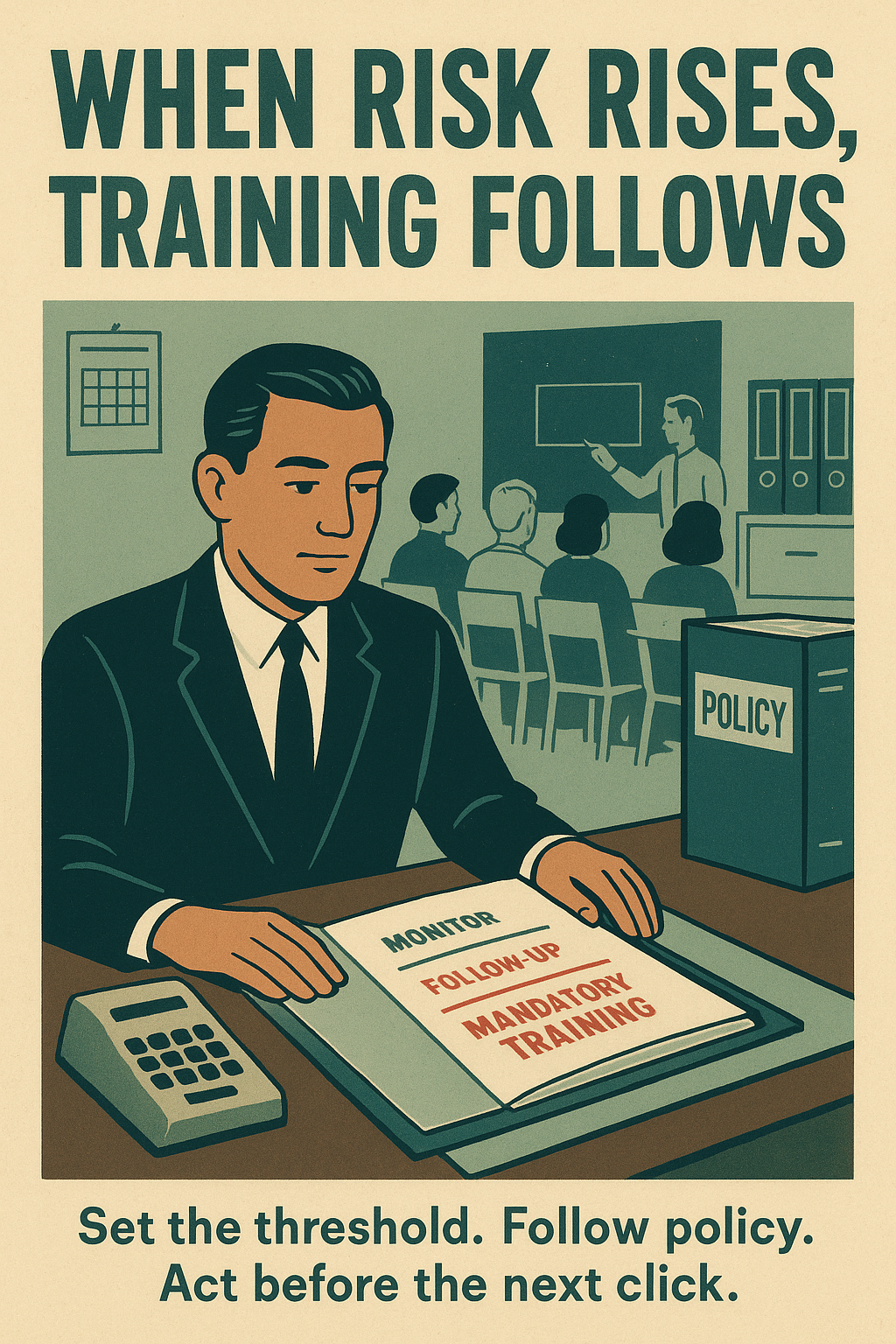
Run targeted training for admins and developers on rotation procedures and safe secret handling. Promote enterprise SSO, password managers, MFA and passkeys to reduce password dependence and user friction. Make rotations transparent using delegated automation and notify users only when action is required. Measure impact (helpdesk tickets, rotation success rate) and iterate to minimize disruption.
Governance and audits: schedule quarterly reviews, track KPIs (rotation coverage, mean‑time‑to‑rotate, exception counts), and report to your risk committee. Tie policy revisions to audit findings and incident lessons learned so password rotation remains aligned with enterprise risk.
***Do not leave plaintext credentials in scripts or repositories — they are audit red flags.***
Real-World Evidence: password rotation in Practice
Acme DataWorks, an anonymized mid‑market SaaS provider, implemented the 4‑step password rotation framework and reported measurable gains. After vaulting secrets, automating rotations and enforcing a risk‑based cadence, the security team recorded a 68% drop in credential‑related incidents, a 42% reduction in monthly password‑reset tickets and an improvement in mean incident response time from 6 hours to 1.8 hours. These outcomes appeared within six months of full automation.
They applied automated rotation for privileged and service accounts, replaced long‑lived service passwords with ephemeral tokens, and integrated rotations into CI/CD. By mapping rotations to role‑change events and tying them to enforced revocation playbooks, the team reduced lateral‑movement blast radius and sped forensic collection. Crucially, most rotations were invisible to end users because credentials were delivered via an enterprise vault and SSO, preserving productivity.
Industry findings back this approach: major reports (e.g., Verizon DBIR) consistently identify credential misuse as a leading breach vector. password rotation mitigates risk by shortening the exposure window, invalidating stolen secrets, and limiting attacker dwell time—especially when combined with MFA and secrets‑management automation.
Common objections are addressable in practice. User friction is minimized by SSO, enterprise password managers and silent automated swaps; Acme saw helpdesk load fall with fewer resets. Operational overhead drops when vaults and orchestration replace manual change orders (automation cut manual rotations by >90% in Acme’s rollout). For legacy systems, use vault connectors, wrapper scripts and phased exceptions with tight audit windows. Rotating service accounts becomes manageable by using short‑lived credentials, certificate rotation and CI/CD hooks. Map these controls to KPIs (rotation coverage, mean‑time‑to‑rotate, exception counts) and enforce them in IT security policies to maintain credential safety and audit readiness.
Acme DataWorks achieved a 68% reduction in credential‑related incidents and 42% fewer password resets.
Implementation Checklist: Execute password rotation in 4–6 Weeks
- Inventory critical accounts and secrets across systems (privileged, service, user). Tag by owner, risk, and recovery contact.
- Define rotation cadence by role: set Privileged (30–90 days), Service (ephemeral tokens) and User (risk‑based) policies.
- Configure policy in identity providers and enterprise password managers; enforce via IAM, GPOs or SSO integrations.
- Establish rollback and exception handling: time‑limited approvals, auditable logs, and a tested revocation playbook.
- Train helpdesk and end users with step‑by‑step guides, scripted responses, and escalation playbooks.
- Communicate changes organization‑wide: schedule windows, expected impacts, and self‑service links.
- Implement monitoring dashboards for rotation coverage, failures, exception counts and mean‑time‑to‑rotate.
- Pilot then iterate: start with a single team, collect metrics, and refine automation and communications.
- Schedule quarterly reviews and tie KPIs to audits and change control.
- Automate and phase legacy systems using connectors, wrapper scripts and time‑boxed exceptions.
Templates & Tool Recommendations
- Policy template: role‑based rotation + exception workflow.
- Rollout plan: pilot → phased rollout → full enforcement.
- Training materials: helpdesk scripts, user FAQ, admin playbooks.
- Tools: HashiCorp Vault, AWS Secrets Manager, 1Password/Bitwarden Enterprise, Okta/Azure AD, Grafana/Splunk.
4–6 Week Rollout Timeline
| Week | Primary tasks |
|---|---|
| Week 1 | Inventory & finalize policy |
| Week 2 | Configure IDP, vaults, and automation |
| Week 3 | Pilot group, train helpdesk and users |
| Week 4 | Phased rollout, monitoring & adjustments |
| Weeks 5–6 | Legacy integrations, audits, and remediation |
***Do not postpone revocation testing — a tested rollback and revocation playbook is critical to recovery.***
Take Action: Start Your password rotation Program Now
Implementing a risk‑based password rotation program delivers three measurable wins: reduced breach risk, improved credential safety, and clear alignment with your IT security policies. These benefits cut attacker dwell time, lower helpdesk load, and make audits straightforward.
Don't wait for a near‑miss to trigger change — begin with a focused pilot this week. Immediate steps: inventory high‑risk accounts, enable vaulting and automation, and define time‑boxed exceptions and revocation playbooks.
For IT managers, the fastest path to momentum is simple: run a 30‑day inventory, deploy automation to a pilot team, measure rotation coverage and mean‑time‑to‑rotate, then expand. Use KPIs to drive adjustments and tie results back to governance reviews.