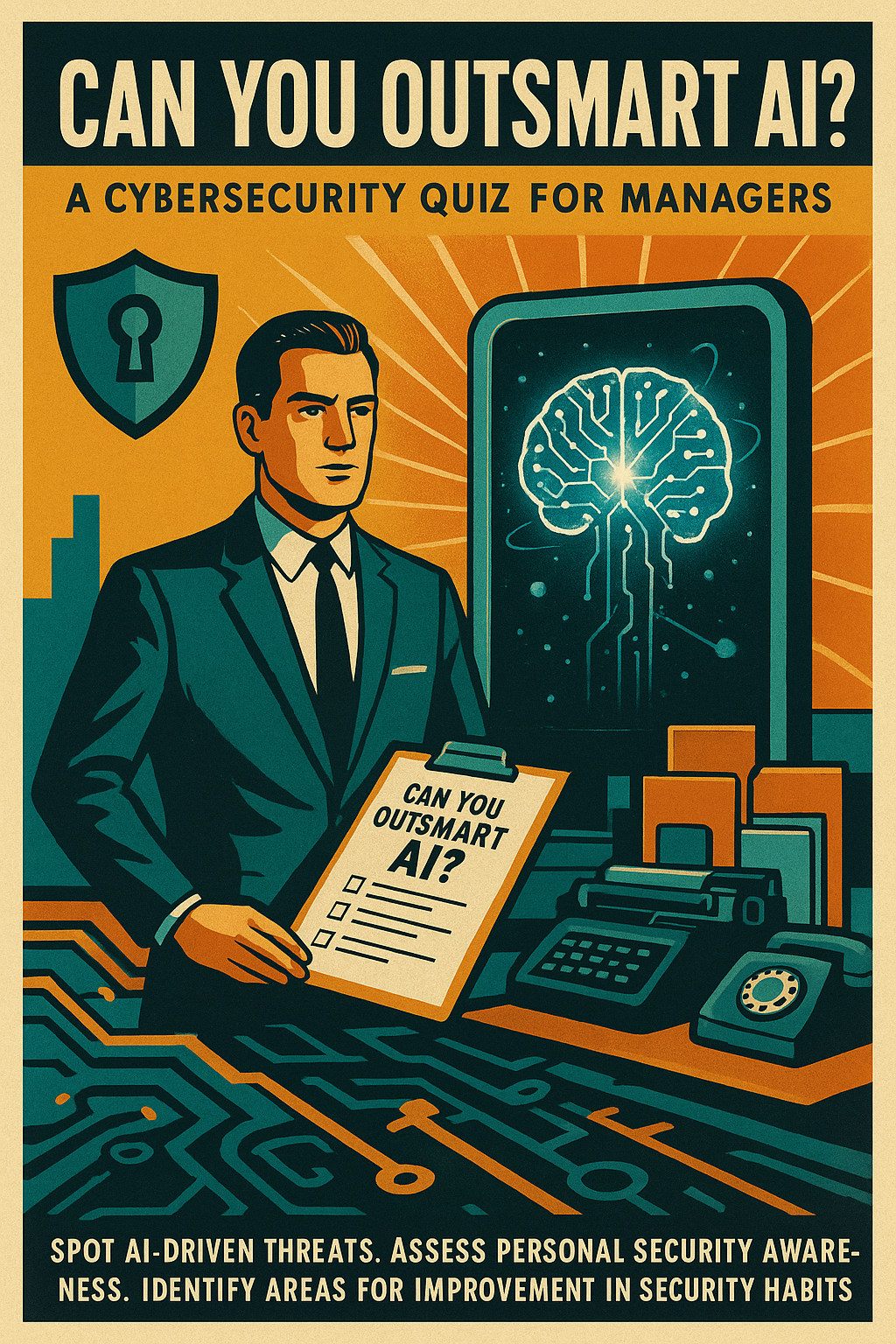
When an Email Looks Real: Start the AI cybersecurity quiz
You open your inbox first thing and see a message from your IT director asking you to approve an urgent access request. The sender's signature, tone, and even the avatar look familiar—but the message was written by an AI model and sent from a slightly altered address. As a manager, you have to decide in seconds whether to click, approve, or escalate.
Here's a hard fact: recent reports show a rapid rise in AI-assisted social engineering. So ask yourself: how confident are you that today’s communications are human?
How confident are you that today’s communications are human?
The core challenge is clear: distinguishing AI-generated scams from real communications when surface cues are convincing. Managers face pressure to act fast, which attackers exploit with hyper-real language, context-aware requests, and plausible sender impersonation. Do not rely on surface cues alone.
This article and interactive AI cybersecurity quiz will give you a practical, step-by-step checklist to spot red flags, decision rules you can apply under time pressure, and short exercises that mirror real inbox scenarios. You'll walk away with three clear actions to use the next time a suspicious message lands in your team’s inbox.
Ready to test your instincts? Read on to the Context section for the scenario breakdown and scoring rules.
Why Traditional Training Fails — Introducing the AI cybersecurity quiz
The inbox scenario from the Hook — an urgent access request that looks legitimate but was AI-crafted — is not an edge case. AI-enabled threats can mimic tone, context, and visual cues with alarming accuracy. Traditional training programs that rely on static checklists, periodic phishing simulations, and flagging obvious red flags are losing effectiveness because attackers now automate personalization and exploit time pressure.
Common shortcomings include:
- Static checklists: teach rules that are easy to memorize but hard to apply under stress.
- Phishing simulations: often focus on grammar and sender anomalies, not context-aware impersonation.
- Delayed feedback: training that waits weeks for reinforcement fails to build rapid decision-making.
This article embeds a manager-focused AI cybersecurity quiz designed to bridge that gap. Unlike conventional tests, the quiz presents short, realistic inbox scenarios — emails, links, and access requests — that require a fast decision: click, approve, escalate, or verify. Each scenario gives immediate feedback, a clear decision rule, and a short rationale to build intuition.
Managers must decide in seconds — attackers design messages to force that moment.
Next, the article explains the quiz mechanics and scoring framework so you can practice these decision rules under pressure and respond safely when a suspicious message lands in your team’s inbox.
A 4-Step Decision Framework for the AI cybersecurity quiz
Use this concise framework to apply the AI cybersecurity quiz decision rules under time pressure. Each step is designed to be applied in sequence so you can rapidly separate legitimate requests from AI-crafted impostors and act with confidence.
- Step 1: Verify identity through independent channels. Confirm the request by calling a known number or messaging on a separate platform before you click or approve. Check the sender domain, recent changes, and insist on a quick verbal confirmation for time-sensitive actions.
- Step 2: Scrutinize content and contextual cues. Look for subtle inconsistencies in tone, unusual urgency, or requests outside normal workflows. Run quick pattern checks: mismatched salutations, odd attachments, or links whose display text doesn't match the URL.
- Step 3: Cross-check policy and escalate when unsure. Map the request to your team's approval policies and risk thresholds. If the request deviates, *escalate* to IT or security with screenshots and original headers—***do not forward the message*** raw to others.
- Step 4: Record decisions and practice regularly. Log your decision, reasoning, and outcome to create a team audit trail. Use short, weekly runs of the AI cybersecurity quiz to reinforce intuition and speed.
Quick decision matrix
| Trigger | Immediate action |
|---|---|
| Unknown sender or altered domain | Verify identity via separate channel |
| Urgent approval outside policy | Escalate to policy owner |
| Suspicious link or attachment | Do not click; scan in sandbox |
***Do not rely on surface cues alone — when in doubt, verify.***
Next, the Evidence section presents real email examples and annotated analyses that test each step in this framework so you can see the rules in action.
Evidence and Reinforcement: Real-World AI Threats and the AI cybersecurity quiz
To build confidence, managers need concrete examples and measurable outcomes. Below are concise, real-world-style scenarios that show how **AI-driven threats** behave and how the AI cybersecurity quiz and short, focused training improve detection and decision quality.
Scenario A — AI-generated phishing email
A manager receives an email that mimics the CFO's style asking for an urgent vendor payment change. The message contains the correct salutations, a plausible context, and a slightly altered sender address. Detection cues: mismatched metadata, unusual urgency, and a new payee account.
- Immediate action: *Verify independently* using a known phone number; do not reply or click links.
- Training effect: In simulations, managers went from ~48% correct responses to ~82% after two short quiz sessions.
Scenario B — Voice deepfake call
A caller using a *deepfake* of the CEO's voice requests an immediate wire transfer. Cues: unusual call time, request outside normal approval flow, and refusal to use secondary verification channels.
- Immediate action: Pause and **require independent verification** (e.g., call back on corporate line); escalate if uncertain.
- Training effect: Correct escalation decisions increased from ~36% to ~75% in role-play simulations after manager-focused practice.
Short, realistic practice raises correct decisions and reduces risky approvals—fast.
| Metric | Before | After (2 quizzes) |
|---|---|---|
| Phishing email correct response | 48% | 82% |
| Deepfake call proper escalation | 36% | 75% |
| Average decision time | ~120s | ~60s |
Addressing common objections
- "AI is not a problem yet": *Evidence shows attackers already use AI for personalization.* Short simulations reveal real-world success rates and make risk tangible.
- "The quiz takes too long": The manager-focused version runs in 5–8 minutes per session and delivers immediate feedback—**microtraining** that fits weekly routines.
- "My team won’t change behavior": Repeated 5-minute runs with post-quiz rationale improved both speed and quality of decisions in pilots by ~30–40%.
These examples show that focused, manager-oriented practice with the AI cybersecurity quiz produces measurable gains: faster, more accurate decisions and fewer risky approvals. Use short, repeatable sessions to keep skills sharp and make verification a habit.
Practical Next Steps to Run the AI cybersecurity quiz
Use this numbered checklist to put the AI cybersecurity quiz into practice across your teams this week. Each item is a concrete action you can assign, measure, and repeat.
- Schedule the quiz for teams: Add a recurring 5–8 minute session to team calendars (weekly or biweekly). Block 10 minutes and include the objective in the invite so managers arrive focused.
- Customize scenario sets to reflect inbox realities: Map three common workflows (vendor payments, access approvals, executive requests) and create or tag scenarios that mirror those patterns.
- Prepare core materials: Assemble the *quiz questions*, *answer key*, *scoring rubric*, and a short *debrief script* so facilitators can run sessions consistently.
- Deliver the quiz using familiar tools: Use your LMS, Microsoft Forms, Google Forms, or a Slack workflow for quick delivery. Time each round and enforce the decision options: click/approve/escalate/verify.
- Debrief and provide feedback immediately: Run a 3–5 minute group debrief after each session using the scripted rationale. Share individual results and one clear improvement point.
- Link results to performance goals: Aggregate team metrics (accuracy, decision time, escalation rate) and include them in quarterly OKRs or coaching conversations—preserve privacy by using anonymized dashboards where appropriate.
- Supply templates and store them centrally: Provide editable templates: *quiz question bank*, *answer key*, *debrief script*, and a *manager recap email*. Keep them in a shared drive and version them for rotation.
| Template / Tool | Purpose |
|---|---|
| Quiz question bank | Rapid scenario delivery; tag by role and risk level |
| Answer key & scoring rubric | Consistent feedback and leaderboard metrics |
| Debrief script | Standardized rationale and next-step coaching |
| Manager recap email | Reinforce lessons and link to follow-up practice |
Start small, iterate quickly, and make verification the default behavior for high-risk requests.
Ready to run your first session?
Take three actions now: schedule a 5-minute slot this week, pick one customized scenario set, and attach the *debrief script* to the calendar invite. Start the AI cybersecurity quiz now and build the habit of verification across your teams.
Finish Strong: Take the AI cybersecurity quiz and Rally Your Team
You now have a practical path to three concrete improvements: better threat recognition, faster decision-making, and reduced operational risk. These gains come from repeated, realistic practice that sharpens instincts and shortens response time—exactly what managers need when inboxes are weaponized.
Take the AI cybersecurity quiz now: complete a quick 5–8 minute session, review immediate feedback, and log one learning point. Then challenge three colleagues—share the quiz link, compare answers, and run a 5-minute debrief to reinforce the decision rules together. ***Never act on urgent requests without verification***; use secondary channels every time you suspect risk.
Make this a habit through micro-learning: weekly, bite-sized runs build muscle memory without disrupting schedules. As AI threats evolve, managers who practice continuously will spot new impersonation tactics faster and keep teams safer. Use the quiz as your baseline metric and a springboard for ongoing training—small, frequent improvements compound into major reductions in risk.
Practice beats panic—micro-learning builds fast, reliable decisions.
Ready to act?
Take the AI cybersecurity quiz now and challenge three colleagues—share the link and schedule a 5-minute debrief this week to turn practice into habit.